
- Rust engine
- archive extraction
- Local-first
- private by design
- Remote-ready
- Komga, Kavita, OPDS
Download
Coming soon to mobile stores
Official App Store and Google Play badges will appear here once the listings are live. Until then, the site avoids fake store links and private test build links.
What it is
One reader for every shelf
Koma Vault keeps the reading experience consistent whether a book starts on device, on a self-hosted server, or in a catalog feed. The site manual explains the everyday flows without exposing private server names, credentials, or copyrighted comic pages.
Local-first
Built for private libraries
Read CBZ, CBR, and image-based EPUB files with a Rust-native archive engine, local metadata, and reading progress stored on your device.Remote shelves
Komga, Kavita, and OPDS
Connect your own servers, browse cached catalogs, stream pages where supported, and pause sources without deleting credentials or saved catalogs.Offline control
Download what matters
The Offline Vault separates explicit downloads from temporary caches, with storage checks, background queue status, and retry paths for failed work.Screenshots
Real captures across phone, tablet, and desktop
These screens were captured from the running Koma Vault app using generated first-party comic samples. The site avoids private server details and copyrighted pages.
View all screenshots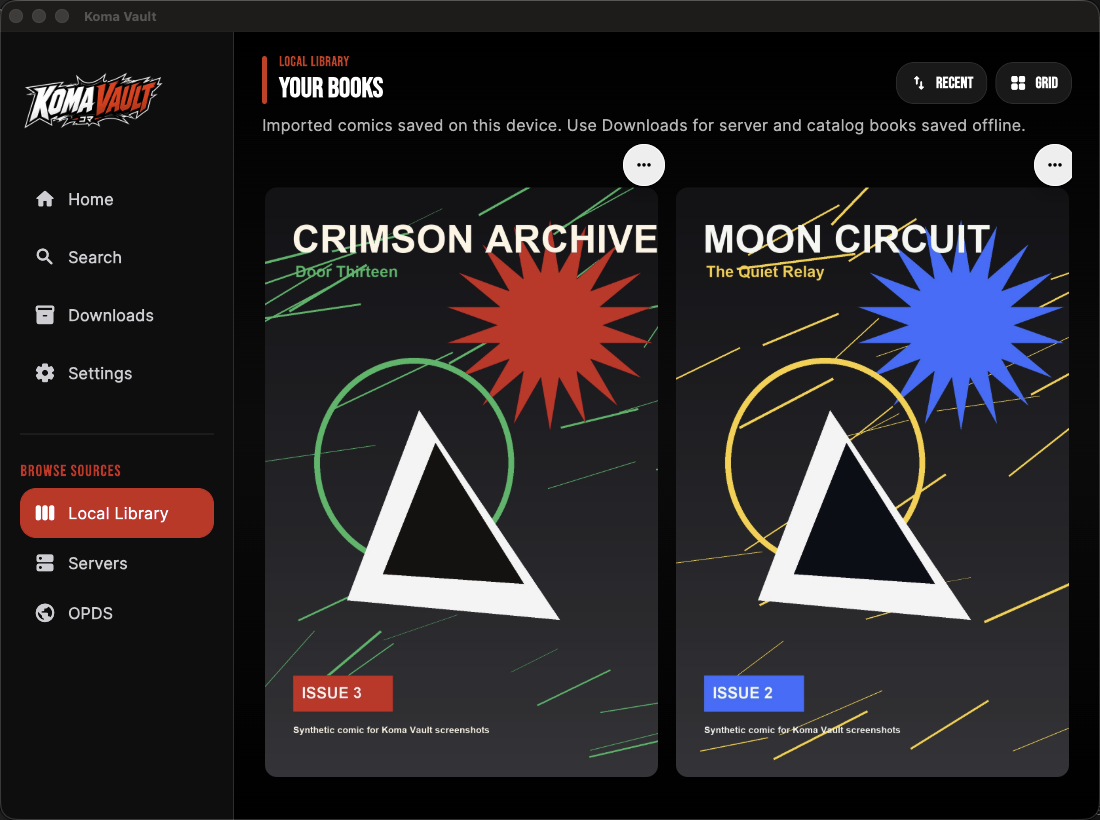
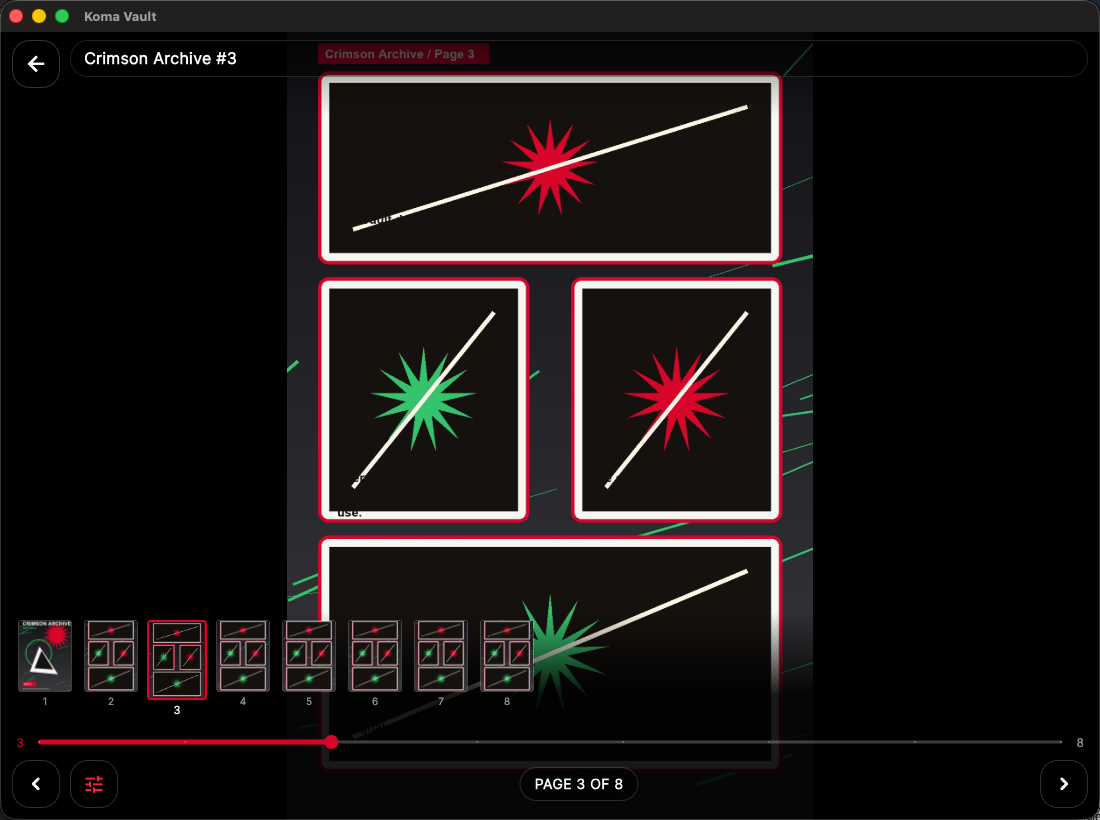
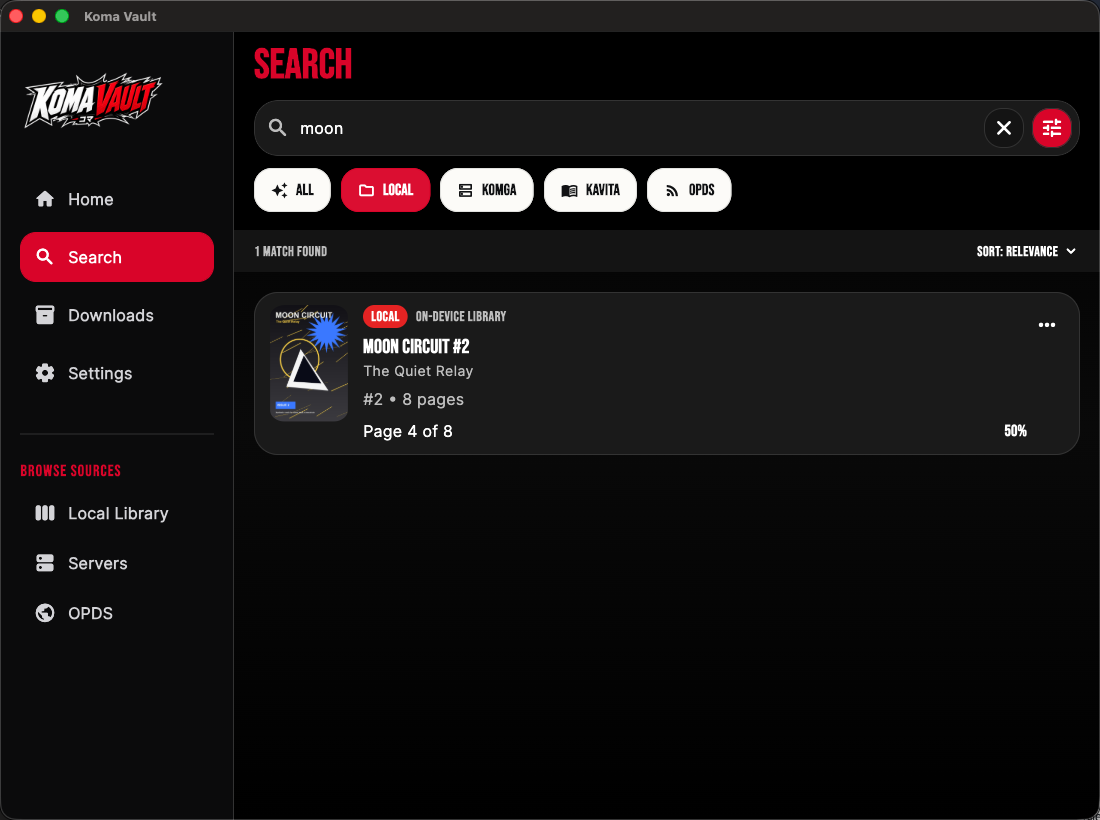
Captured from appsynthetic demo comics only
Device views
The app belongs on mobile screens
Koma Vault is shown on iPhone, iPad, Android, and macOS so the website reflects the actual native app surfaces people will use.
 iPhonePhone library layout
 iPadTablet sidebar layout
 AndroidAndroid phone layout
Screen animation
Open a comic and start reading
This short capture was recorded from the running Koma Vault app with generated demo comics, including the reader rail and page transition.
Manual
Start fast, then go deeper
The manual is written for people opening the app for the first time: import a book, connect a source, read, search, download, check activity, and understand the privacy model.